From BreakEnderGuide
Every gamer needs a battery backup and a second SSD
By the BreakEnder newsroom ·
A power blip can corrupt saves and installs, and heavy writing wears out your system drive. A pure sine wave UPS and a cheap second SSD fix both.
A power blip mid-save or mid-update can corrupt a save file, a game install or the operating system itself. And a PC that downloads, patches, records and shuffles shaders onto the same drive it boots from wears that drive out faster and slows everything down. Two cheap pieces of hardware fix both problems: a battery backup (UPS) and a second SSD for the heavy writing.
1. A battery backup (UPS)
A UPS sits between the wall and your PC. When the power drops, flickers or sags, the battery takes over instantly, so the PC keeps running long enough to finish a save and shut down cleanly. It also filters surges and brownouts that wear out power supplies over time.
What to look for:
- Pure sine wave output. Modern gaming power supplies (the ones with active PFC) can shut off or buzz on the cheaper "simulated sine wave" units.
- Enough capacity. Add up your PC, monitor and router. A mid-to-high-end gaming PC under load pulls 400 to 700 watts; leave headroom.
- AVR (automatic voltage regulation), which fixes sagging voltage without draining the battery.
- A USB connection, so the PC can shut itself down when the battery runs low while you are away.
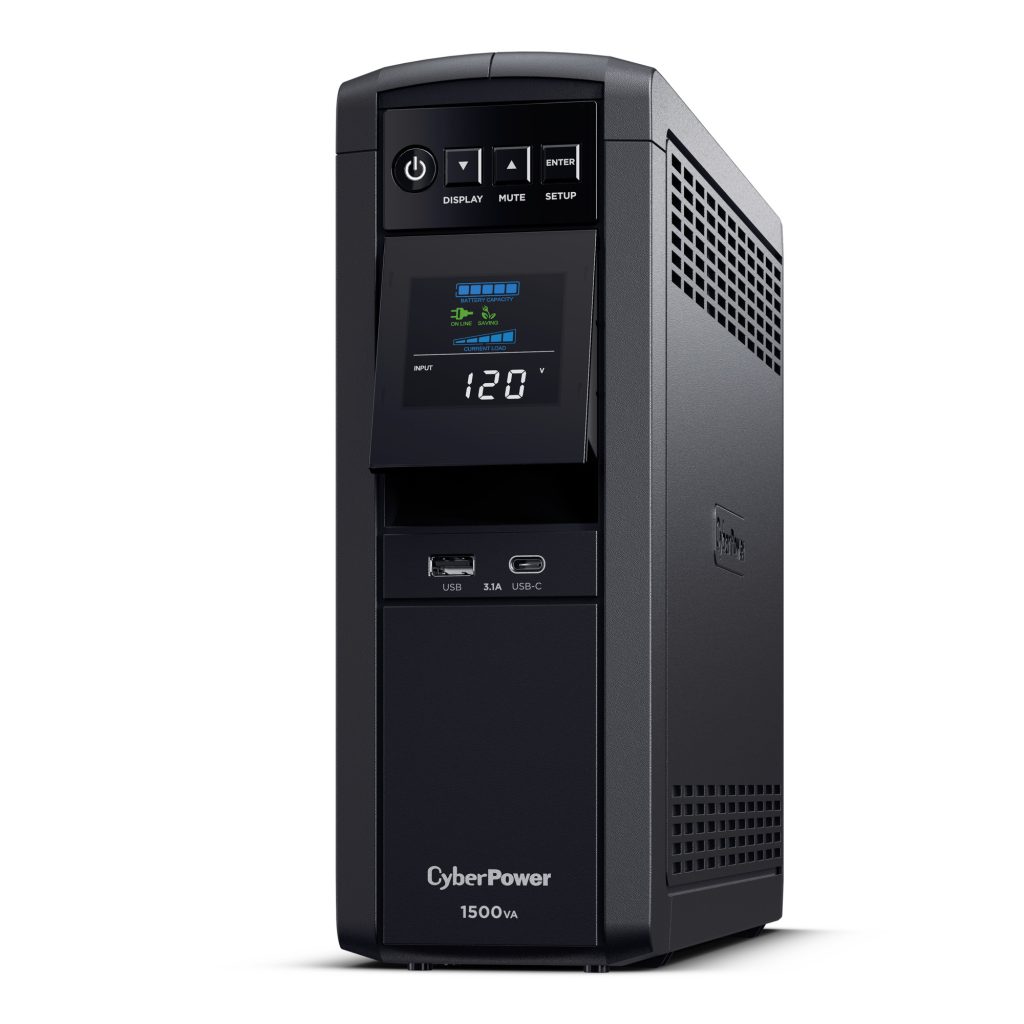
Our pick: CyberPower CP1500PFCLCD PFC Sinewave UPS (1500VA / 1000W, 12 outlets, AVR). Pure sine wave, 1000 watts, AVR, an LCD showing load and runtime, and USB shutdown software. Plug the PC, monitor and modem/router into the battery outlets, so your connection stays up too.
Batteries in a UPS last about three to five years; the unit tells you when it needs a new one.
2. A second drive for heavy writing
Your system drive (the "root" disk, usually C:) holds Windows and your programs. Every game download, patch, shader cache, recording and temporary file written to it adds wear and competes with the system for speed. SSDs have a limited number of writes; a cheap second drive takes that load so the system drive stays fast and lasts longer. If the second drive ever fills up or fails, Windows still boots.
Put these on the second drive:
- Download and patch folders for Steam, Epic, Battle.net and other launchers (each lets you add a second library folder).
- Recordings and replays from OBS, ShadowPlay or the Xbox Game Bar.
- Browser and launcher download folders, and big temporary work like video editing.
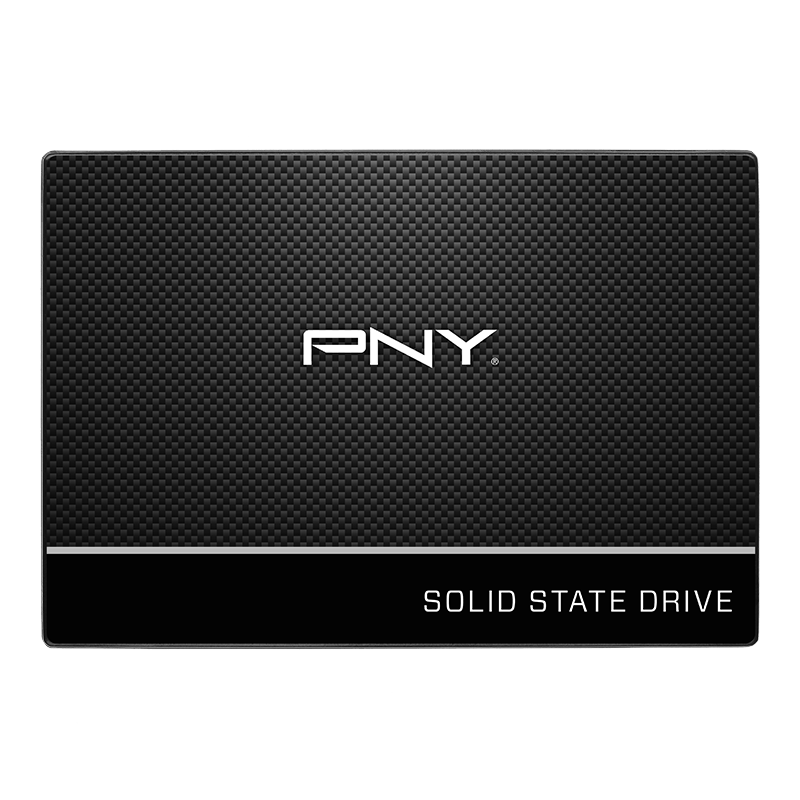
Our pick: PNY CS900 500GB 2.5" SATA III SSD. Up to 550/500 MB/s, which is plenty for downloads, recordings and most games, and it fits any desktop with a free SATA port (and most older laptops). Need more room? It also comes in larger sizes.
Installing it: connect it to a SATA port and power cable, open Disk Management in Windows, initialize it (GPT) and create one volume. Then point your launchers and recording software at the new drive.
The short version
- A pure sine wave UPS protects your saves, your installs and your power supply.
- A second SSD takes the heavy writing off your system drive, so it stays fast and lasts longer.
- Set up once, both keep working in the background for years.
As an Amazon Associate we earn from qualifying purchases.
This post is written by BreakEnder. It is our own news, not a publisher's story.